
The Pilot’s Book · The army
Stacks: split, merge, dismiss
In «The Company» (key O) or «Recruit»: tap a stack, then «Split» or «Dismiss»; drop it on its kind to merge.
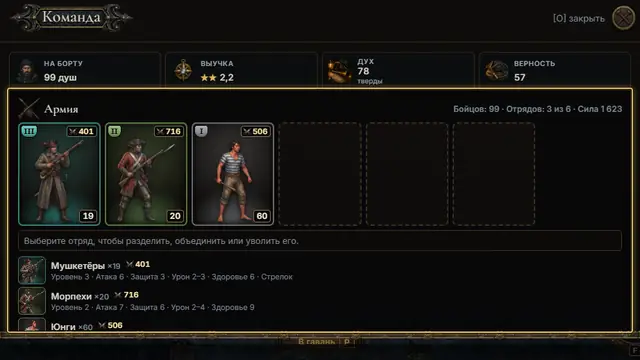
Open «The Company» (key O, or «⋯» → «Army» at sea). The «Army» card shows your stacks: tier, might and the number of men. 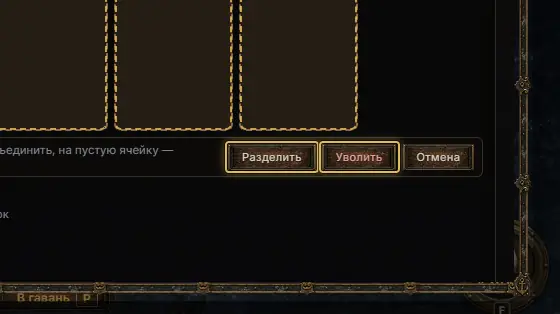
Tap a stack: «Split», «Dismiss» and «Cancel» appear. The hint says it: drag it onto a stack of the same kind to merge, onto an empty slot to split. 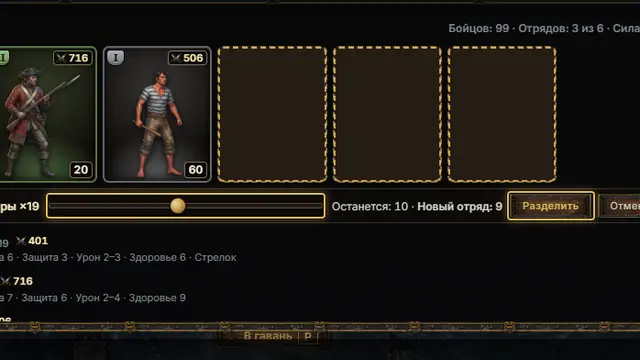
«Split»: move the slider — «Stays: a · New stack: b» — and confirm. At least one man moves and one stays, and a free slot is needed. 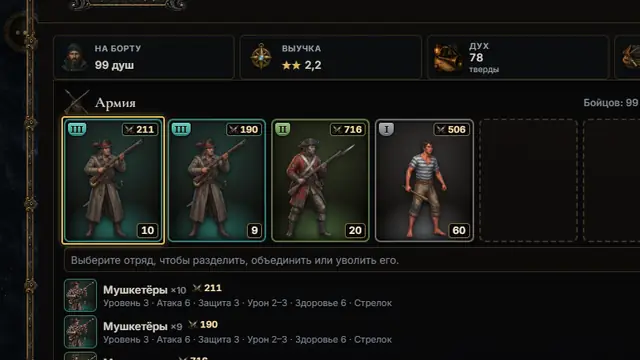
Two stacks of one kind fight as two squads in the boarding — handy to shield the shooters. Stack slots grow with the hull: a sloop 4, a brig 6, a galleon and up 7. 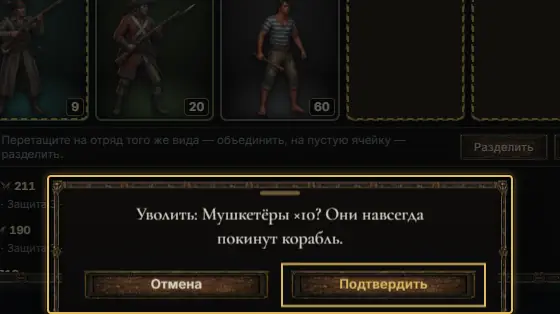
«Dismiss» asks once more: the men leave the ship for good. One stack always stays aboard; none of this works in a boarding or with a party ashore.