

The Pilot’s Book · The army
Hiring an army
In port: «Army» → «Recruit an army». Pick a kind, set the number, «Hire».
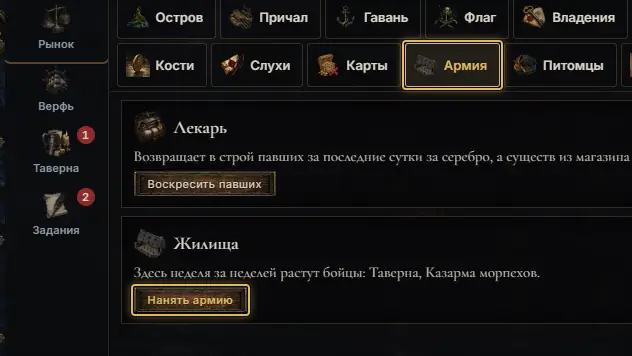
In any port open the «Army» tab and press «Recruit an army». The card above it is the surgeon. 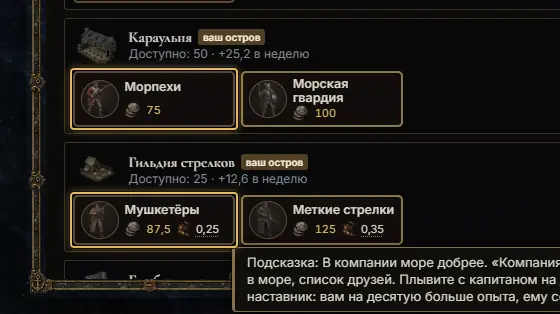
The «Recruit» window lists every dwelling you can hire from: its name, how many wait and how many grow a week. Each kind is a card with its price. 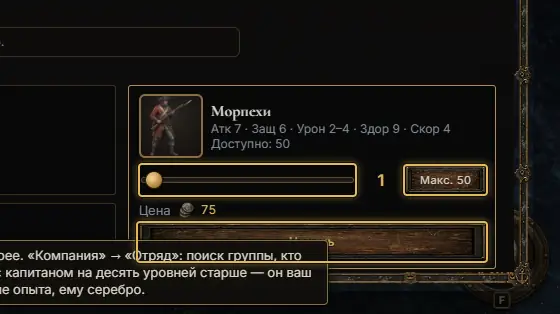
Tap a card: its stats appear on the right. Move the slider or press «Max», check the price and press «Hire». 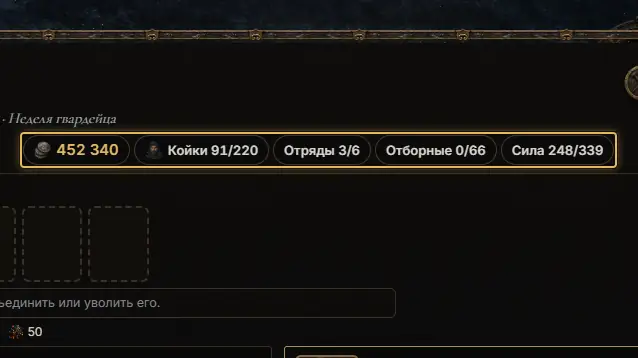
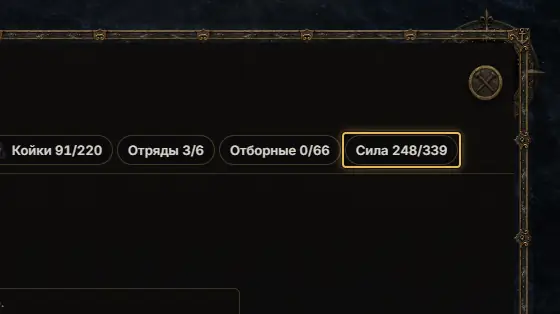
The top row tells the limits: «Hammocks» (men aboard), «Stacks» (slots for squads), «Picked» (tier 4 and up) and «Might». 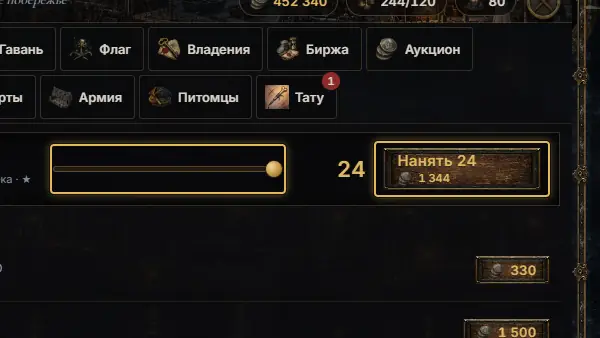
Plain deckhands are also hired in the «Tavern»: the slider and «Hire N». Officers are there too.
See also
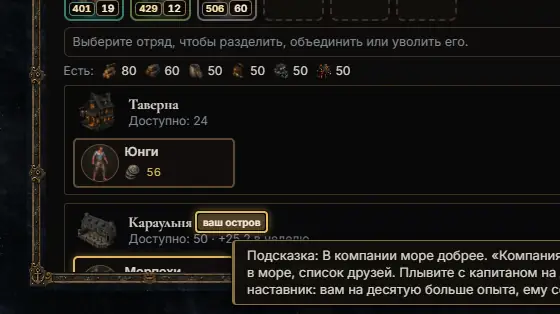 Island troops in any portEvery dwelling of tier 2–7 on your island opens that tier for hire in every port.4 steps
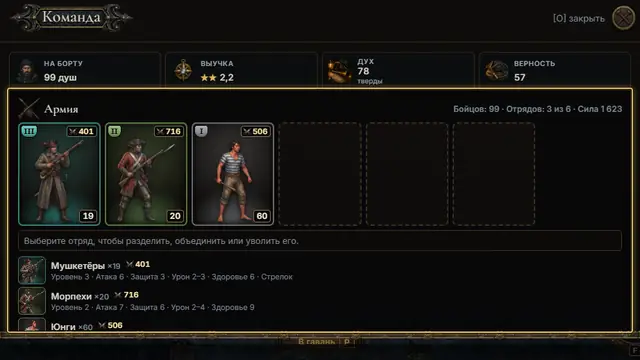 Stacks: split, merge, dismissIn «The Company» (key O) or «Recruit»: tap a stack, then «Split» or «Dismiss»; drop it on its kind to merge.5 steps
 «Might X/Y»: the ship's limitThe ship's level caps how strong an army it carries; deckhands are never capped.3 steps