

The Pilot’s Book · Sea and sailing
The wheel and the sails
Drag the wheel the way to sail; «+» and «−» set the sail; the arc shows how much canvas is set; on a keyboard, W/A/S/D.
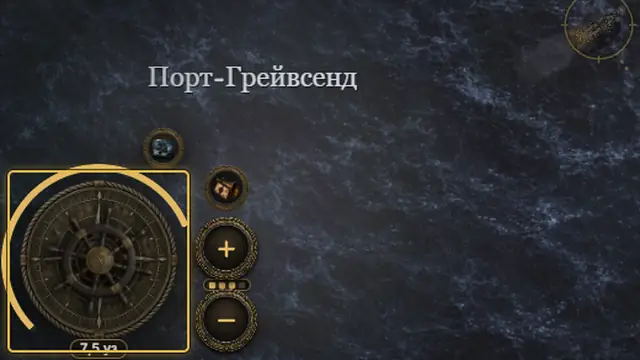
The wheel, bottom left. Press it and pull towards where you want to go: the ship turns that way. The farther from the middle, the more sail. Hold the very middle for half a second to furl everything; a quick double tap is a dash (once in 14 s). 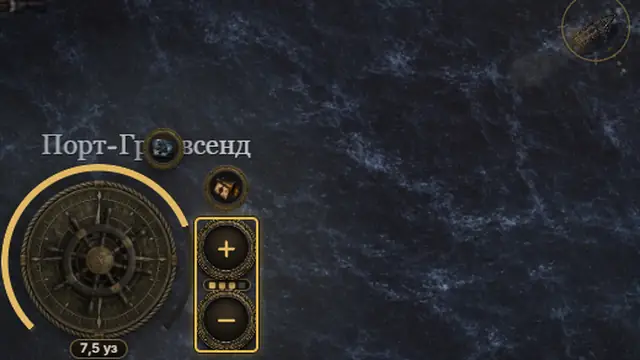
«+» and «−» beside the wheel add or take in one step of sail. There are four steps: a quarter, a half, three quarters and full; the pips between the buttons show which is set. 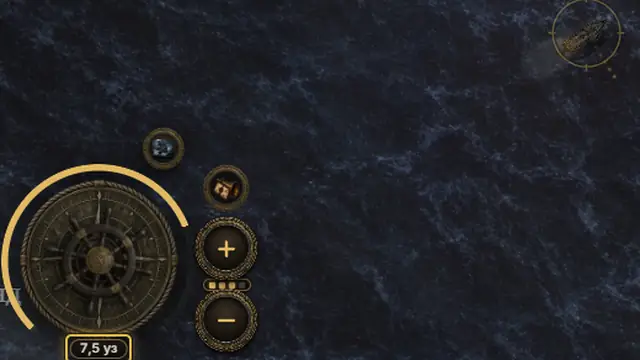
The gold arc round the wheel is the canvas actually drawing; a fainter part is what you ordered but the torn sails cannot give. Under it, the speed in knots. When the sails fall below a fifth the arc turns red-brown. 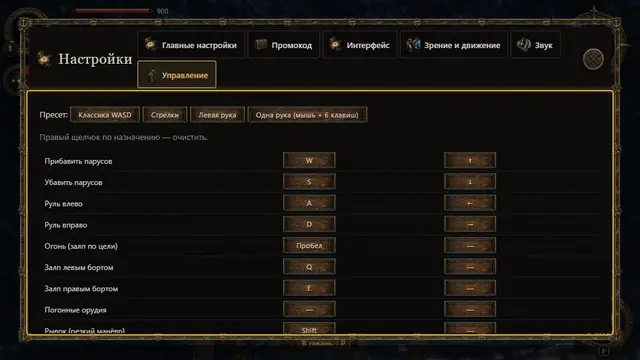
On a keyboard: W or ↑ adds sail, S or ↓ takes it in, A/D or ←/→ turn the rudder, a lone Shift is the dash, Space fires, Q and E fire a broadside, R repairs, M opens the chart. Every key can be changed: Settings → «More settings» → «Controls».
See also
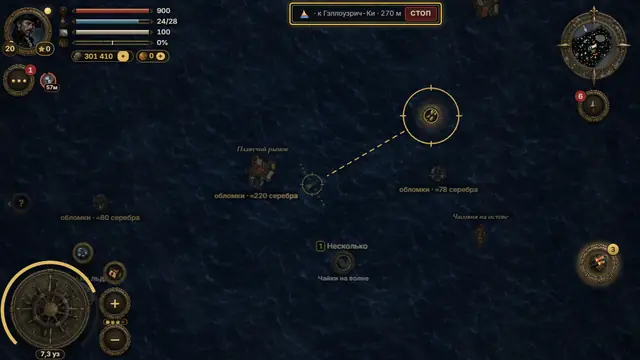 A course by tapTap the open sea and the helmsman takes her there; the pill on top shows the way left and «stop». Any turn of the wheel takes the helm back.3 steps
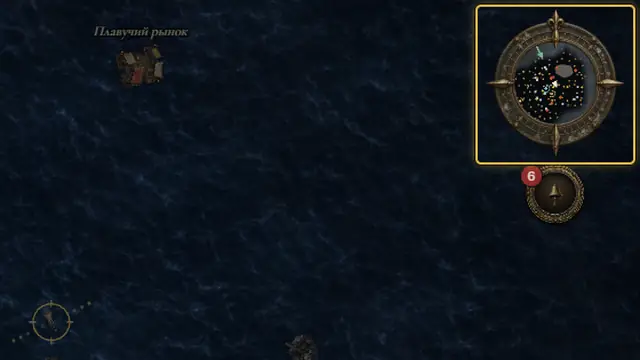 Wind and currentsWith the wind behind, up to +45 % speed; into the wind, slower, and dead into it you barely move. Currents carry the ship on their own.3 steps
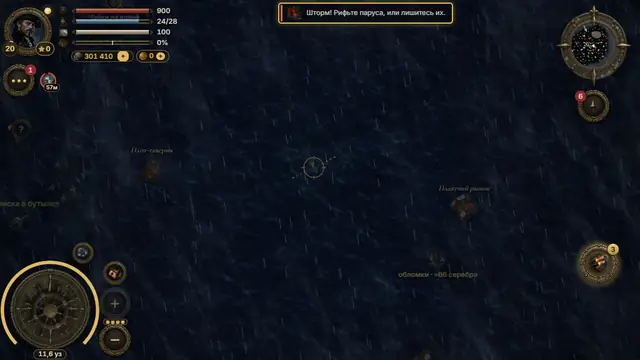 Storms and the jury sailIn a storm, never sail with full canvas: it tears. Three quarters is safe. With the sails gone and no sailcloth, raise the jury sail.4 steps