
The Pilot’s Book · Sea and sailing
The chart, «Where am I» and the minimap
The minimap (top right) opens the chart. Its chips switch the layers; «Where am I» brings your ship back into view.
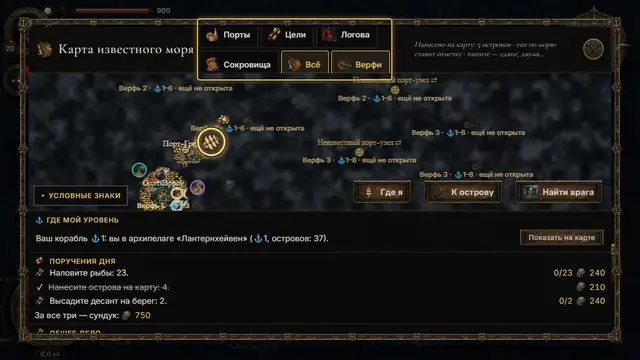
The chart of the known sea. The chips on top are layers: «Ports», «Goals», «Lairs», «Treasure», «All», «Shipyards». Tap one to show or hide it; the choice is remembered. «All» also draws the currents. 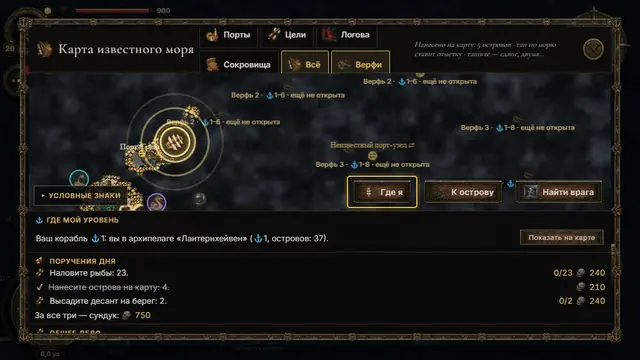
«Where am I» centres the chart on your ship, zooms in and makes your mark pulse for a moment. Lost after scrolling far? One tap. 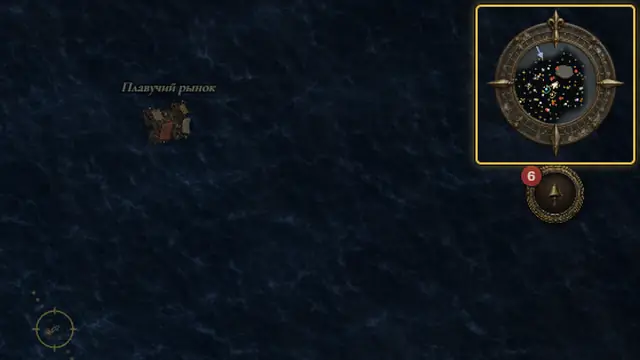
The minimap shows 4.5 km around the ship. A tap opens the big chart; a long press sets a mark and sends the helmsman to it. The arrow on its rim is the wind.
See also
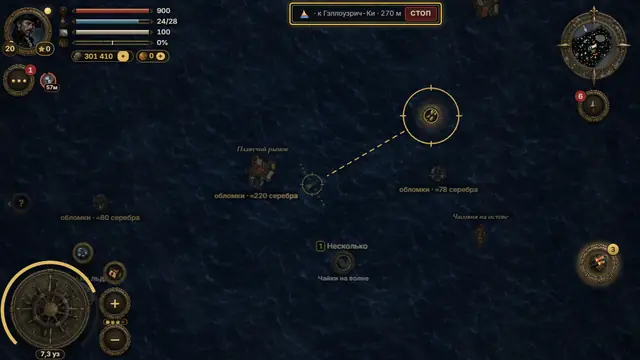 A course by tapTap the open sea and the helmsman takes her there; the pill on top shows the way left and «stop». Any turn of the wheel takes the helm back.3 steps
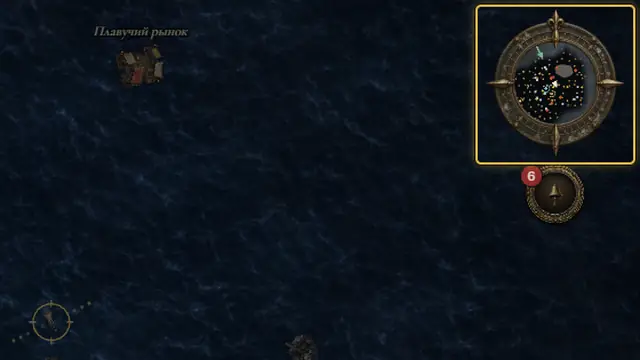 Wind and currentsWith the wind behind, up to +45 % speed; into the wind, slower, and dead into it you barely move. Currents carry the ship on their own.3 steps
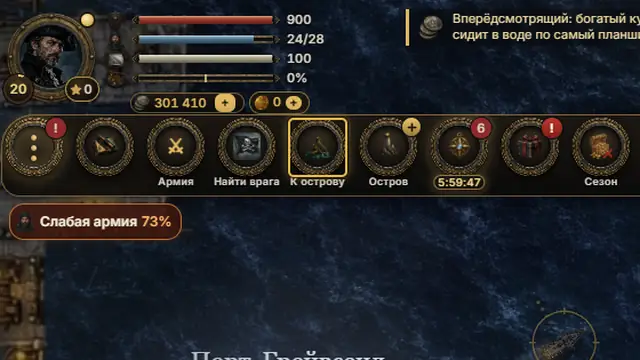 «To my island»«To my island» in the «⋯» tray or at the bottom of the chart sets the course home; with no island yet, to the nearest free one.3 steps